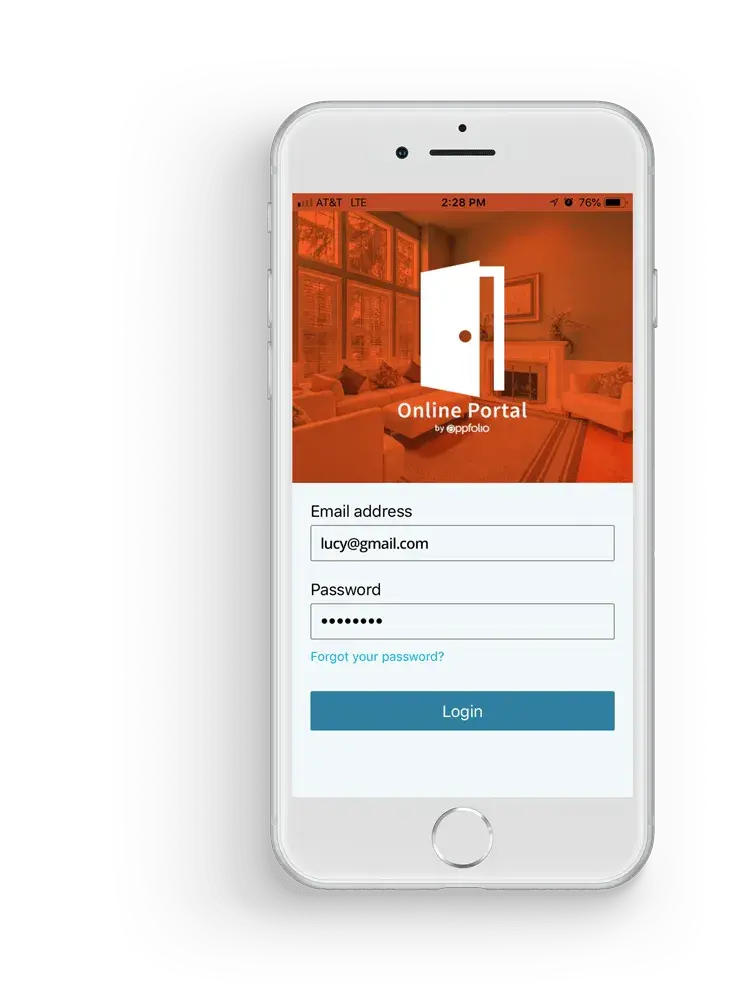
YOUR ONLINE PORTAL
Your account at your fingertips. Anytime, anywhere.
PAY RENT
Securely pay rent online from anywhere. Set up automatic payments so you always pay on time.
SUBMIT MAINTENANCE REQUESTS
Quickly submit maintenance requests that go directly to our maintenance queue.
SEAMLESS COMMUNICATION
Send communications to us at anytime.
RENTERS INSURANCE
Easily submit proof of insurance coverage or purchase a policy, right from your portal.
Southern California Resident Resource Guide
How to Use Your Resident Portal for Payments, Maintenance, and Lease Support
Living in a Coastline Equity apartment community means you never have to guess who received your maintenance ticket or whether your monthly payment cleared. Your online portal gives every resident a direct, timestamped record of ledger balances, repair requests, lease documents, and community notices across our Southern California properties.
Use the operational guide below to set up recurring payments, report urgent or routine repairs, and prepare for smooth move-in and move-out inspections.
Online Rent Payments and Ledger Transparency
Your portal displays real-time rent, utility, and parking charges so you can review your exact balance before the first of the month. Residents can submit one-time payments or configure automatic monthly ACH bank transfers and card payments inside the mobile app.
Configuring Autopay by eCheck eliminates manual check delivery and late fees while generating an instant digital receipt for your personal records.
24/7 Maintenance Triage: Emergency vs. Routine Requests
When submitting a repair request in the portal, attaching clear photos and a brief description of the issue helps our maintenance coordinators dispatch the right technician and parts on the first visit.
Active water leaks, sewer backups, total loss of heat, gas odors, and unsecured entry doors are triaged as 24/7 emergencies. Standard appliance, plumbing, electrical, and hardware repairs are scheduled during normal service hours with automated status updates from dispatch through completion.
Move-In, Move-Out, and Inspection Standards
Every resident receives a detailed condition checklist at move-in to document existing unit finishes. Keeping appliances, drains, and ventilation fans clean throughout your tenancy prevents avoidable wear.
When preparing to move out, residents can request a pre-move-out inspection under California Civil Code standards to identify any repair or cleaning items before turning in keys, protecting your security deposit disposition.
Renters Insurance and Community Support
Maintaining active renters liability coverage protects your personal belongings and satisfies your lease requirements. You can upload your current insurance declaration page or enroll in a policy directly through the portal.
Looking to transfer to another apartment home across our Southern California locations? Browse our current available rentals or contact our team if you need portal login assistance.
Frequently Asked Questions for Coastline Equity Residents
How do I set up automatic monthly rent payments in the resident portal?
Log in to your AppFolio online portal or mobile app, select the Payments tab, add your bank account (ACH eCheck) or payment card, and enable Autopay for the first of each month.
What qualifies as an emergency maintenance request vs. a routine repair?
Active water flooding, gas leaks, fire hazards, sewer backups, no heat during cold weather, and broken exterior security locks qualify as 24/7 emergencies. Routine repairs such as dripping faucets, cabinet adjustments, or minor appliance service should be submitted through the online portal with photos.
How do I update my renters insurance policy on file?
Open the Insurance section inside your online portal to upload a PDF copy of your active renters insurance declaration page showing your unit address and policy effective dates.