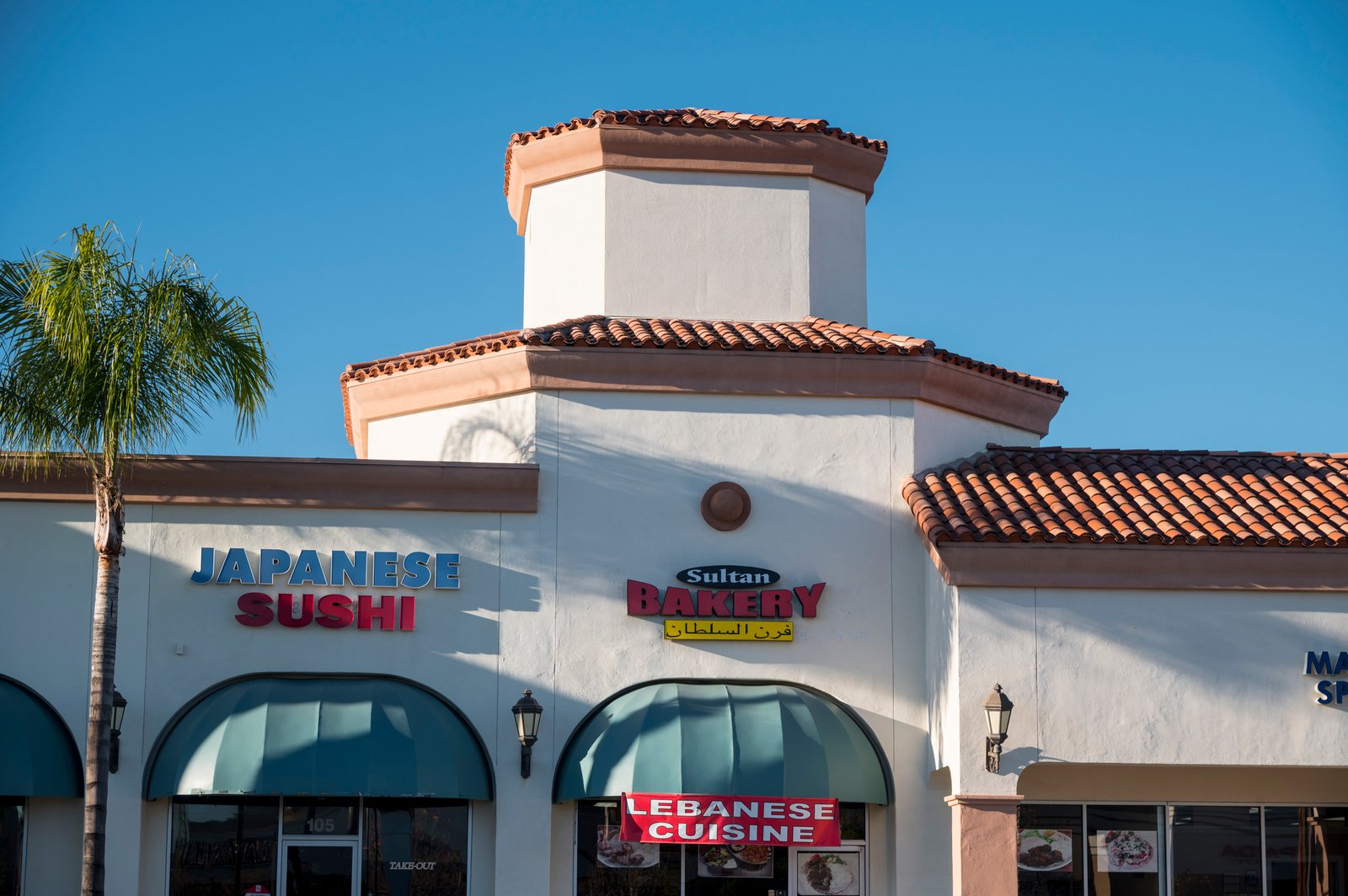
A retail center common-area service record should help an owner answer a practical question: what happened in the shared area, what did it affect, and what still needs attention? A vendor invoice or a note that someone visited does not answer that question by itself.
Build the record around the common-area location, the observed condition, the work performed, the tenants or visitors affected, and the follow-up. That gives the owner a usable history for recurring repairs, vendor review, budget discussions, and tenant communication.
Identify the exact common area
Name the center and the area: parking field, drive aisle, storefront walkway, lighting zone, trash enclosure, landscape area, roof access point, restroom, or another shared location. Add the date, time if it matters, access conditions, and a photo or inspection record when available. “Common area” is too broad for the next person to verify.
Check the lease and service documents before assigning responsibility. Coastline’s commercial management guide describes lease responsibilities, access, vendor qualification, scope, approval authority, and completion evidence as connected parts of the workflow. The record should show what was observed without guessing at a tenant’s obligation.
Describe the condition and impact
Record what was seen, the area affected, the immediate consequence, and whether the condition is recurring. A damaged walkway, failed parking lot light, overflowing trash enclosure, or dead landscape area can change access, appearance, safety review, or tenant operations. State the observed impact and the next review required. Leave technical conclusions to the qualified professional who evaluates the condition.
If a tenant reported the issue, link the report to the service record while preserving the original message or work-order details. That keeps the owner’s file clear about what was reported, what was inspected, and what was actually done.
For a multi-tenant center, note whether the work affected one storefront, several tenants, or the whole site. Record any notice given, temporary access change, barricade, cleanup issue, or follow-up communication. The detail does not need to be long. It needs to let the next manager or owner understand the condition without repeating the site visit.
Capture scope, work, and exceptions
Show the approved scope, vendor, date of service, materials or equipment involved, work performed, condition found, and any work not completed. Record access problems, changed conditions, added recommendations, photos, and the next action. If the vendor found a larger issue, separate the new recommendation from the original service visit.
The Coastline repair reporting guide follows the same discipline: location, condition, consequence, recommendation and cost, decision, schedule, completion evidence, and remaining monitoring. Use it to keep a common-area service record from collapsing into an invoice description.
Use the record in owner reporting
Summarize recurring common-area work by location and cause, not only by vendor invoice. Show open follow-up, repeated service, cost trend, tenant impact, and the decision needed. The commercial owner scorecard connects building condition, vendor accountability, financial visibility, and owner control. A good service record gives each of those parts a shared reference.
Keep the service record separate from a tenant complaint log while linking the two when they refer to the same event. The complaint describes the report received. The service record describes the inspection, scope, result, and remaining action. That distinction helps an owner review service quality without treating every reported issue as proof of a building defect.
If common-area work is hard to trace from tenant report to vendor scope, completion evidence, and owner decision, Request a Property Management Performance Review.





.webp?width=300&height=200&name=charles-forerunner-3fPXt37X6UQ-unsplash-1920w%20(1).webp)